Easy on the eyes.
Thoughtful typography, comfortable line lengths, and light and dark themes. Make the page feel like yours.
 MdView

A LITTLE MORE AT HOME ON YOUR MAC
A quiet place to read your Markdown.
Native to your Mac. Built
around your files.
Free · macOS 14 Sonoma or later · Notarized
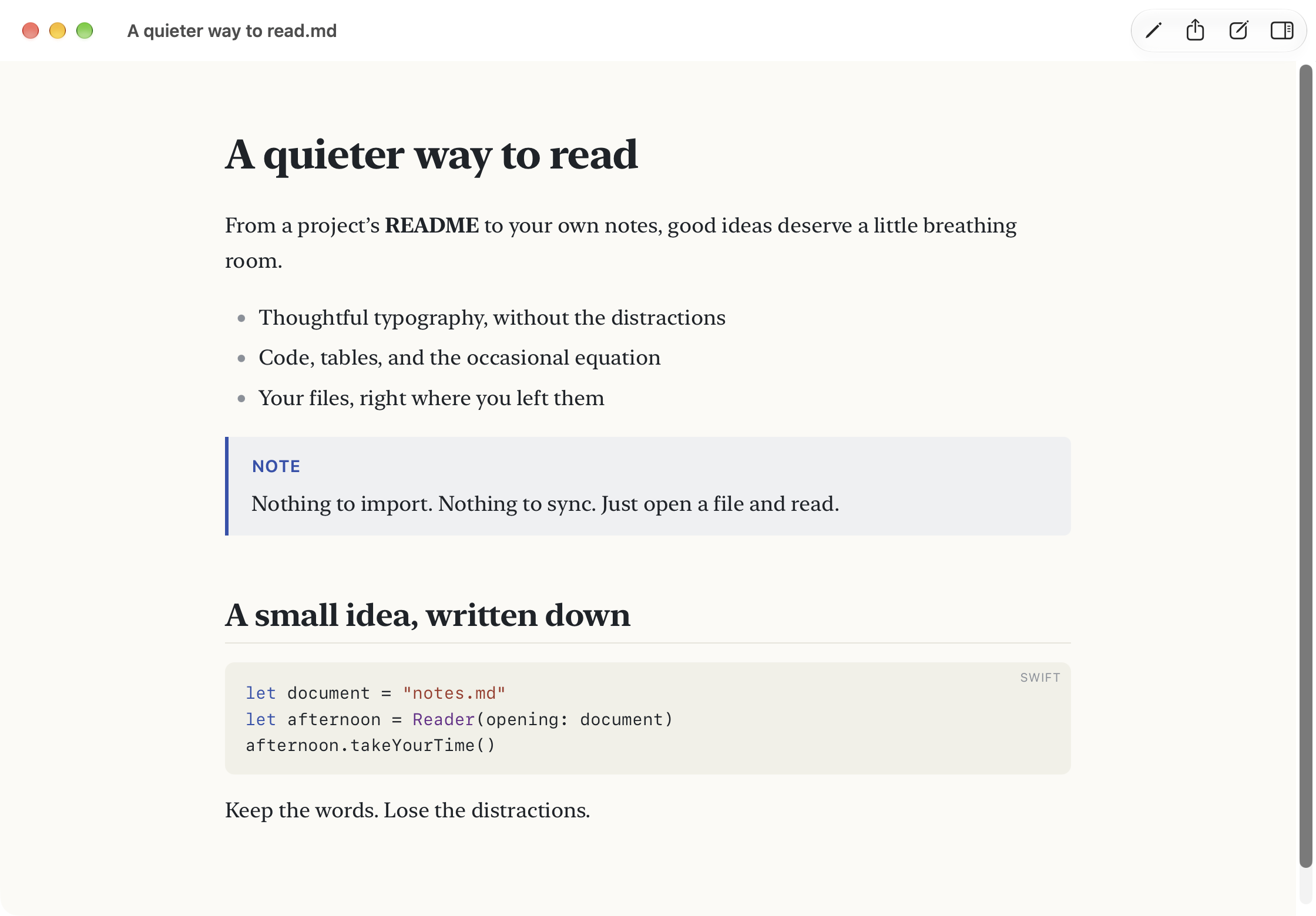
OPEN A FILE. SETTLE IN.
For the README you need to understand,
the notes you want to
revisit, and everything in between.
Thoughtful typography, comfortable line lengths, and light and dark themes. Make the page feel like yours.
Highlighted code with one-click copying. Tables, task lists, math, and Mermaid diagrams, all in the flow of the page.
Quick Look in Finder. Find, outline, and tabs. Print or export to PDF. The familiar things, right where you expect them.
WHEN YOU NEED A LITTLE MORE
Make a quick correction without switching apps. Open a folder and follow the links between its pages. Or turn it into a notebook with wiki links, tags, and search.
Prefer the terminal? There’s a command-line tool, too. Optional agent features add checkpoints and reviewable changes when you want help with your notebook.
All there when you need it. Out of the way when you don’t.
JUST YOU AND THE PAGE
No account. No import. Read offline.
Remote images stay blocked
until you choose to load them.
Download MdView for macOS · Free